Renewal reminders, free trial alerts, and a clearer view of every subscription.
SubsCraft is a subscription manager built around the warning, not the receipt: renewal reminders and free trial alerts, plus AI Saving, AI Craft, and a dashboard that keeps every recurring bill in view. All of it free.
Reminders
Never forget to cancel again.
SubsCraft tracks four kinds of events — renewals, trial endings, cancellations, and expirations — and warns you with a local notification before the charge lands.
Renewal, trial-end, cancellation, and expiry events
Local notifications with day-level timing
Trials flagged before they convert into charges
AI Saving
Finds a cheaper way to pay for what you already have.
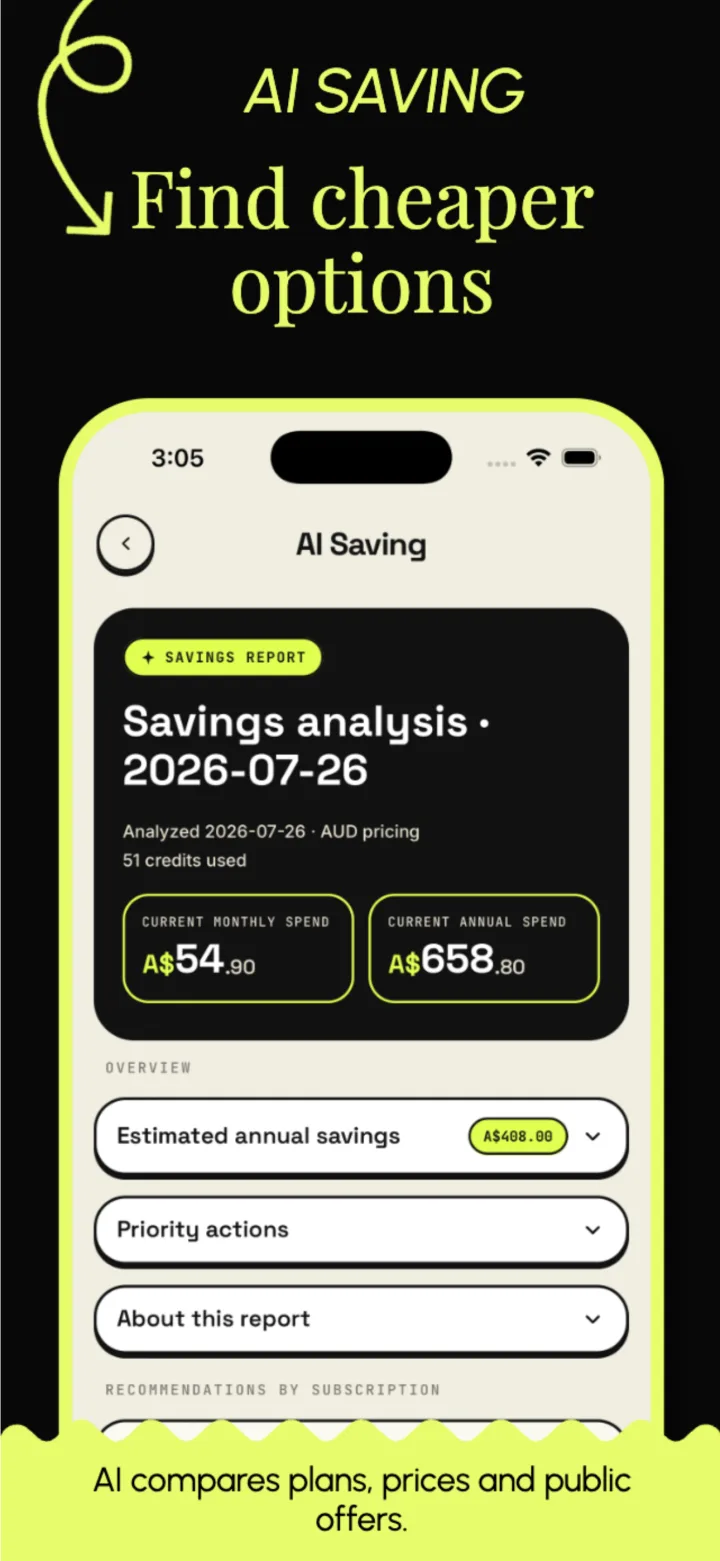
AI Saving takes the prices you actually pay and searches for a cheaper way to get the same thing — live promos, cheaper plans, and comparable services — while flagging deals and trials about to expire. Every report estimates your yearly savings and gives specific next steps to review.
Analyze 1–10 recurring subscriptions per report
Compares your real prices against cheaper options across the market
Concrete suggestions and alternative plans
Reports generate asynchronously — check back when ready
Failed tasks never consume AI credits
AI Craft
Three ways in: photo, text, or voice.
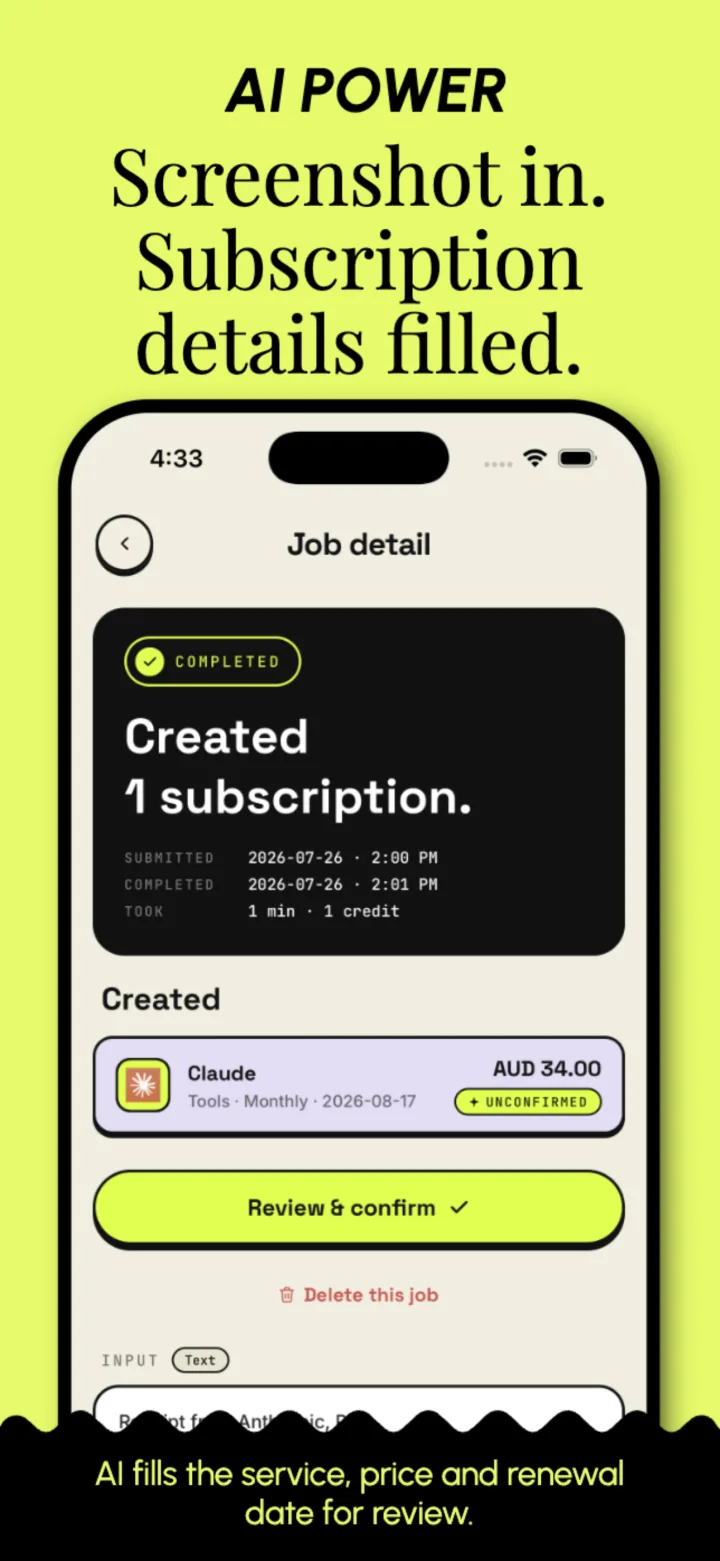
Snap or pick a payment screenshot, paste billing text, or record a short voice note in the app. AI extracts the service, price, and billing cycle for you.
Photos from camera, album, or screenshots
Pasted billing emails and receipts as text
In-app voice recording
Parsed results stay unconfirmed until you approve them
Your list
Every subscription in one sorted list.
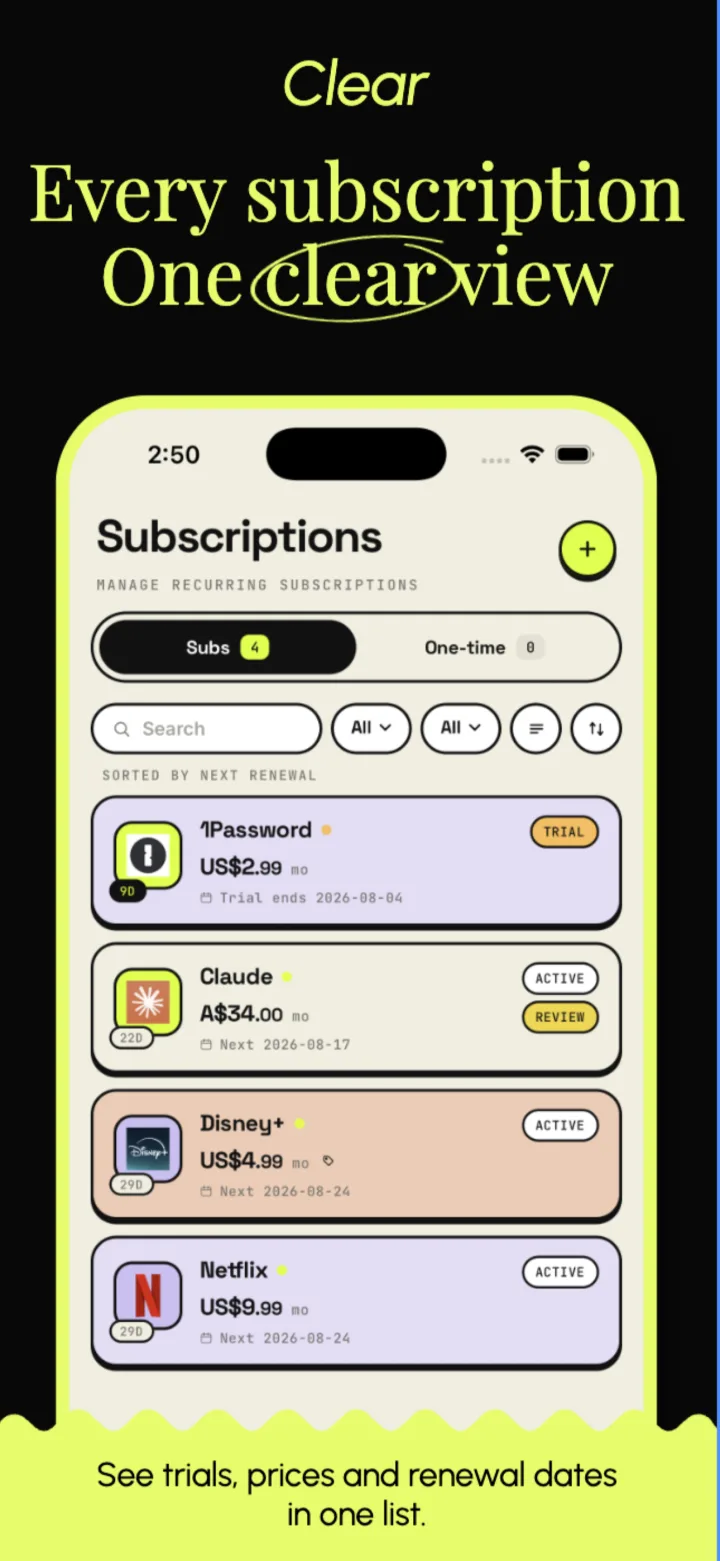
Subscriptions and one-time purchases sit in the same list, sorted by whatever charges next. Search it, filter it, and let the row tell you what is on trial and what is about to lapse.
Sorted by next renewal, so the next charge is always on top
Search, plus filters for category and status
Trials, active, lapsing, and expired each marked on the row
One-time purchases kept on their own tab
Common services built in, or add your own
Full picture
Every charge, in one sharp view.
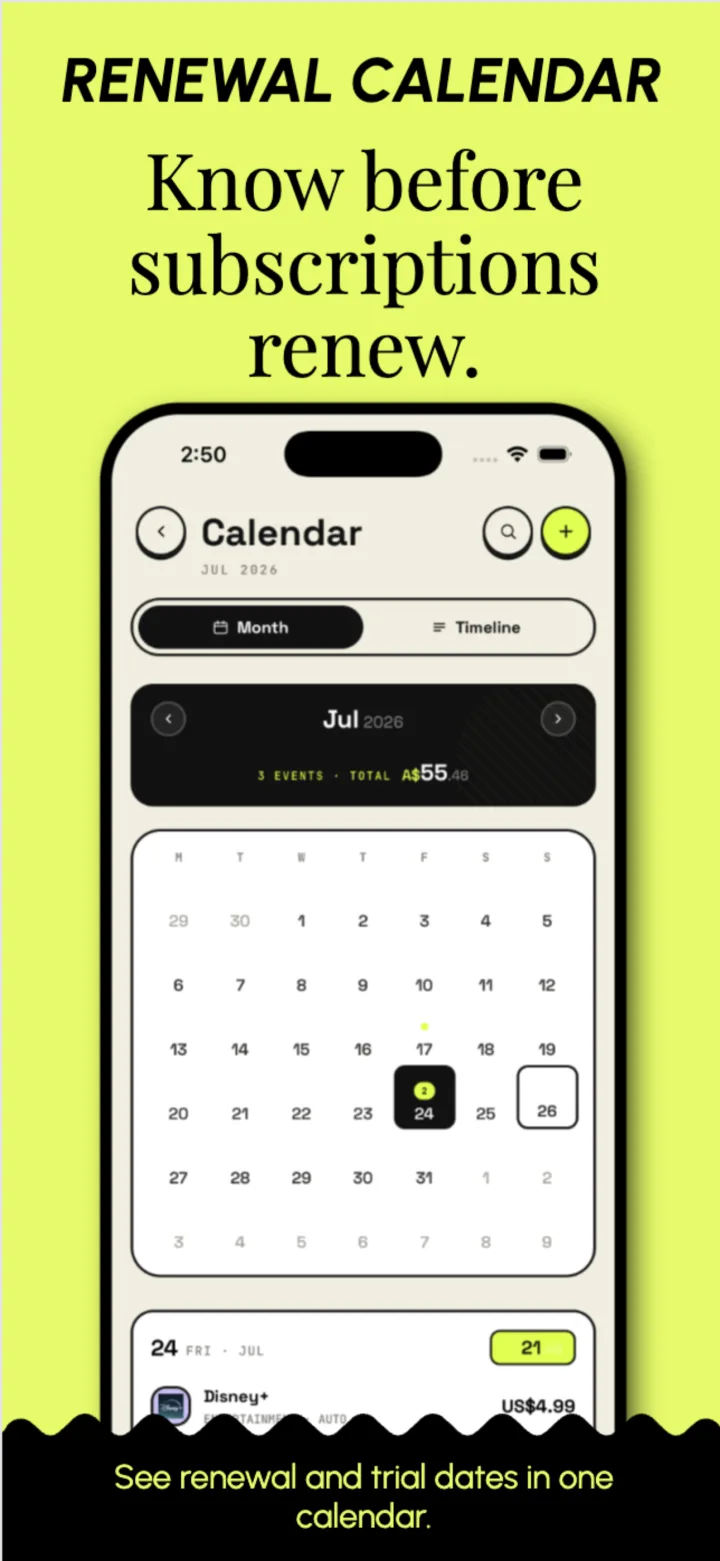
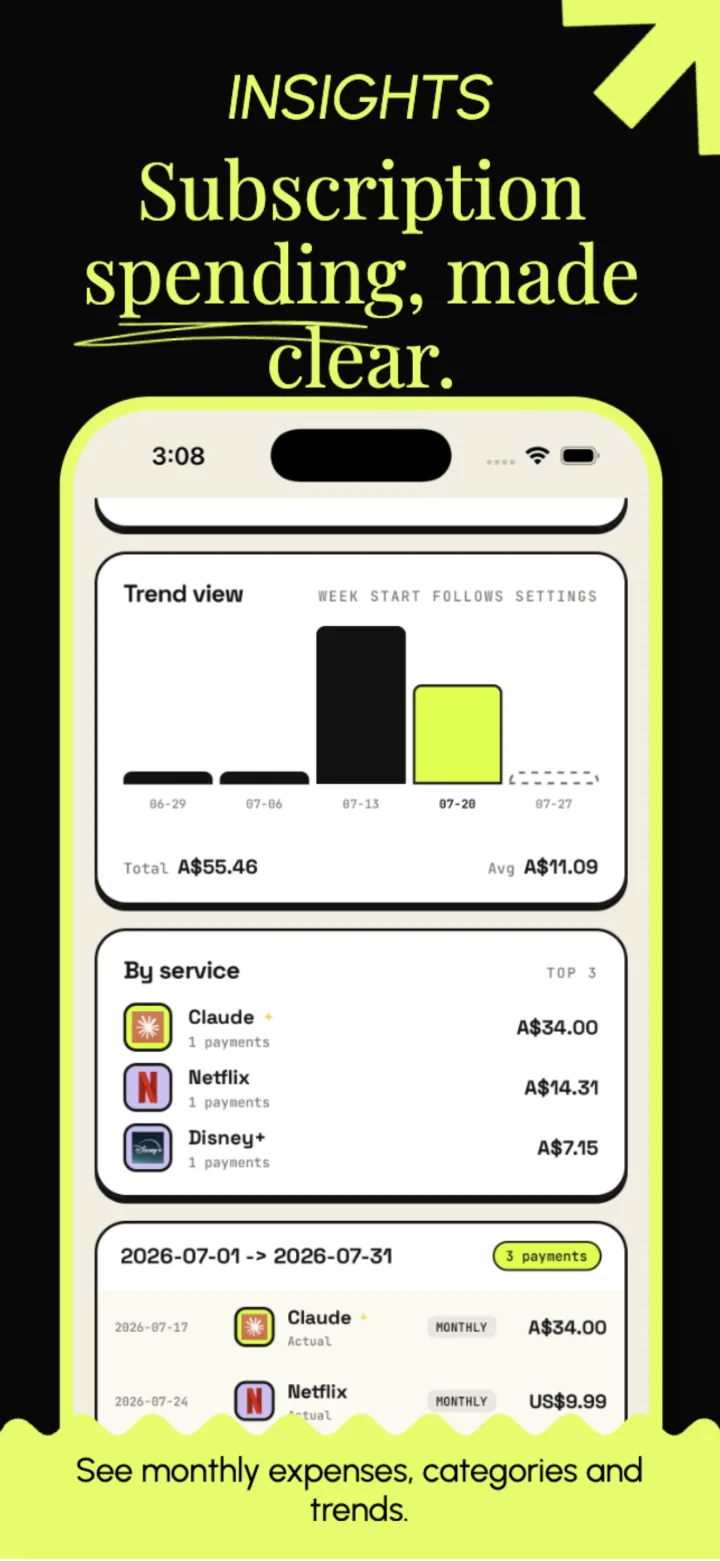
The Home dashboard totals your month, the calendar marks every renewal day, and Insights breaks spending into categories and trends.
Monthly and yearly views of your spend
Category slices and trend charts in Insights
Renewal days marked on a calendar
Multi-currency records converted at live rates
Backup and recovery
Back up subscriptions on your terms.
Create a manual backup file or send the latest backup to a WebDAV server you choose. Optional client-side encryption protects the backup before upload.
Local backup
Export a backup file and restore it manually when you need it.
WebDAV backup
Back up and restore manually through your own WebDAV server. The latest backup file is replaced each time.
Optional encryption
SubsCraft does not store the encryption key. If you lose it, the backup cannot be decrypted or restored.
Start before the next renewal
Start managing your subscriptions.
Download SubsCraft free, then go look at what charges next.